Three tips for getting more control of your practice diary
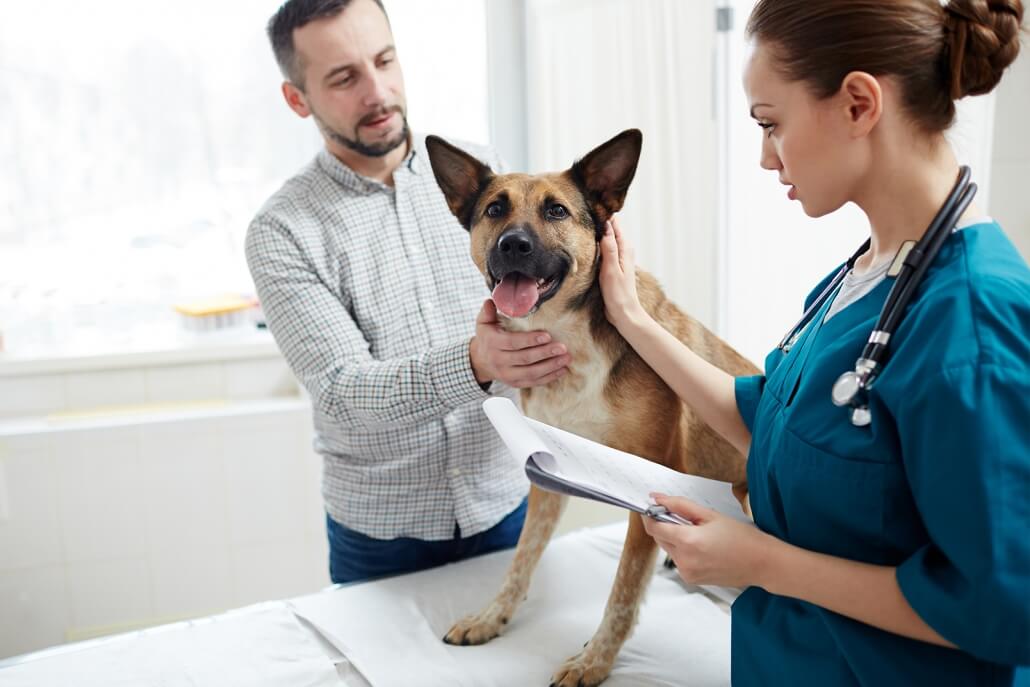
Your plans for the day go out of the window because of something unexpected. Sound familiar?
It is no fun when this happens at home. At work, it is probably a regular occurrence: all it takes is an emergency, an operation that takes longer than expected, or a consultation that needs further explanation or treatment.
So how do you plan for the unknown without losing control?
Think of your day as a row of dominoes. When one overruns, it can knock down everything behind it. Your diary is the backbone of the practice, so it needs to be flexible enough to run in and out of time, while leaving space for unexpected events and for moments of rest. These three areas are a good place to start: how appointments reach your diary, how you decide what time they need, and how you organise the day.
1. Set boundaries for online booking
Letting pet owners book online does not have to mean opening every available slot to every type of appointment.
Vetstoria, a separate online booking provider, integrates with both IDEXX Animana and ezyVet. With Animana, practices can set booking preferences such as available days, times, and how far ahead owners can book. With ezyVet, the integration supports real-time calendar synchronisation and rules around availability and clinician preferences.
Before introducing online booking, agree what you want to make available. Consider:
- Which appointment types are suitable for online booking?
- Which slots should remain available for bookings made by your team?
- What information do you need from the owner beforehand?
- When should the booking journey direct someone to telephone the practice?
Vetstoria documents options such as limiting appointment types to particular times, reserving availability for priority appointments, and holding slots back for emergencies or walk-ins. Explore Vetstoria’s booking controls.
Make urgent-contact instructions prominent. Don’t rely on an online booking form to decide whether a pet needs urgent attention.
Learn more about online booking with Animana or ezyVet.
2. Find out why the owner is coming in
A free slot is only useful if it gives the appointment the time it needs.
Before agreeing an appointment, establish why the owner wants to come in and whether there is anything else they hope to discuss. A request for a routine vaccination may also involve questions about a new lump, changes in behaviour, or travel plans.
Give your reception team a consistent set of booking questions, agreed with the clinical team. The aim is to gather enough information to arrange a suitable appointment, with a clear route for clinical advice when needed.
Rather than simply declining a requested time, explain the alternative:
“You’ve mentioned a few things you’d like to discuss. Let me check which appointment would give the team enough time to cover them.”
Offer a small selection of suitable options where possible. If none works for the owner, explore the alternatives rather than treating the first choice as the only choice.
When comparing practice management software, ask how appointment types and durations support these decisions. For example, ezyVet’s planning guides can link parts of the calendar to an appointment type, which then applies when a team member creates an appointment there.
Use the software to support your booking approach, and keep the conversation that helps you understand the request.
3. Design the diary with the whole team
Review your diary as a team, including the people taking bookings and those delivering care.
Start with where the current arrangement causes difficulty. Are appointments being booked without the necessary room or colleague available? Is time for notes routinely squeezed out? Do breaks exist in the diary but disappear during the day?
Then agree what the diary needs to show. Consider:
- Clinician, nurse, room, and equipment availability.
- Time for preparation, handovers, clinical notes, and administration.
- Breaks and space for unexpected work.
- Who can change protected time, and when to seek advice.
Both Animana and ezyVet provide tools to structure appointment availability, but they work differently. Animana uses appointment columns and groups to organise the diary. ezyVet’s planning guides help staff see available appointment times and identify periods when they shouldn’t book appointments. Explore Animana diary management or ezyVet planning guides.
If you are considering new software, bring a representative day from your current diary to the demonstration. Include the awkward parts: shared resources, longer consultations, last-minute changes, and time that needs protecting.
Once you have agreed a structure, review it after a few weeks. Look at where the day still runs over and ask whether the cause is the booking process, appointment length, available resources, or something else.
Aim for a workable day
A useful diary reflects more than the appointments owners can see. It also accounts for the work around them.
Start with one recurring problem, agree a change, and check whether it helps. That might mean clearer booking questions, different online availability, or more realistic space between appointments.
When exploring IDEXX Animana or ezyVet, use those practical needs to guide the discussion. See how IDEXX Veterinary Software fits your practice.
Quick answers
Does online booking mean opening every slot to every pet owner?
No. With Animana, you can set the days, times, and how far ahead owners can book, and Vetstoria documents further controls such as limiting appointment types to particular times.
What should reception ask before booking an appointment?
Why the owner wants to come in and whether there is anything else they hope to discuss, using questions agreed with the clinical team.
How should a team review its diary?
Start with where the current arrangement causes difficulty, agree what the diary needs to show, then review it after a few weeks.
Let’s talk about what IDEXX software can do for your practice
Complete the form below and we’ll get back to you.