Five ways to reduce avoidable delays in veterinary consultations
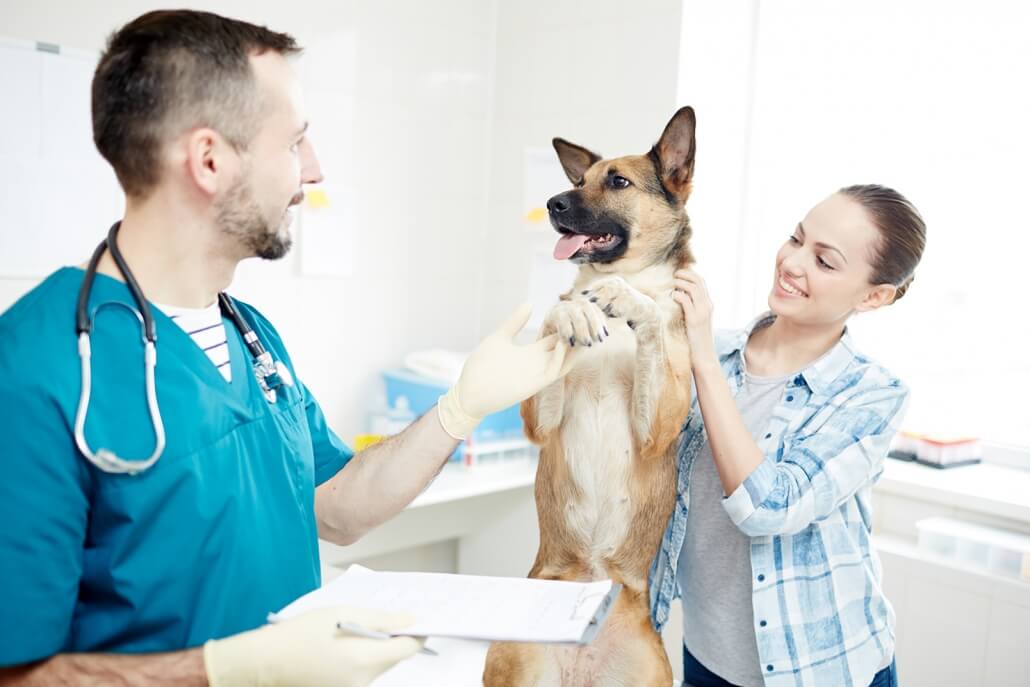
“My consultation is running overtime!” your colleague calls out, searching the pharmacy drawers for a box of medication. You know straight away what it means: more time apologising for delays, and less time for the X-rays and supplier orders you had planned.
Think of your consultation room as the engine of your practice, and your reception counter as the pit lane. The engine does the clinical work. The pit lane keeps everything around it moving: the booking, the information, and the next step.
Neither works well without the other. When reception prepares the ground, and the consultation room passes on what the next person needs, the day stays on course. When they do not, delays build up in places nobody planned for.
So before trying to shorten consultations, ask what is taking up the time. Is it the examination and discussion, or searching for information, clarifying the booking, and sorting out what happens afterwards?
Some appointments need longer than expected. The aim is to reduce avoidable interruptions and administration, while leaving room for clinical judgement and the pet owner’s questions. Here are five areas worth reviewing.
1. Find out what the appointment needs to cover
Start at booking. Ask the pet owner for a brief description of why they want an appointment, rather than recording only “consultation”.
Give them an opportunity to mention additional concerns, too. An appointment booked for one issue may need reviewing if the owner also wants to discuss several changes in their pet’s health.
Agree how your reception team should handle those situations, including when to ask a clinical colleague about appointment type, length, or urgency. Reception should not be expected to make clinical decisions from a booking description.
If you offer online booking, review the questions and appointment choices from the pet owner’s perspective. Are they clear? Is there an obvious route to contact the practice when someone is unsure?
Online booking helps owners request suitable appointments. It does not replace clinical triage.
2. Send useful preparation information
Review what pet owners receive before their visit. Does it explain anything they need to know or do?
Depending on the appointment, that might include:
- Which practice location to attend.
- What records or information to bring.
- Any preparation instructions provided by the clinical team.
- How to contact the practice if circumstances change.
Keep the message relevant to that appointment. A long explanation of every service the practice offers is unlikely to be useful preparation for a specific visit.
Avoid assuming that sending information means it has been read or understood. Leave space for questions, and make clear who the owner should contact for clarification. Any clinical preparation instructions should be appropriate to the individual appointment and reviewed by the clinical team.
3. Make relevant information easier to find and record
Look at the information the clinician needs during a consultation. Where is it recorded? Is it current? Does the team know where to look?
Choose a consistent approach to recording key information, with someone responsible for keeping it up to date.
For example, IDEXX Animana supports custom protocols that can display selected patient information at the top of the patient file. Its tips and tricks page illustrates this with medication and key patient data. Custom protocols can also automate everyday actions, fill in parts of the patient file, and print advice letters.
In ezyVet, clinical templates provide a starting point for recording information in records such as histories, examinations, assessments, and plans.
Use templates selectively. Review them for unnecessary fields, and check that completed records describe the actual consultation. A template should leave room for the clinician’s judgement rather than encourage default answers.
4. Finish with a clear next step
Before the appointment ends, allow time to summarise what has been agreed and invite questions.
Then consider what reception needs to know. For example:
- Is a follow-up appointment needed, and what type?
- Is the owner waiting for written information?
- Is a further call planned, and who is responsible?
- Is anything still awaiting confirmation?
Agree where those instructions should be recorded and how urgent information should be passed on. Avoid leaving reception to interpret an unfinished clinical note or asking the owner to relay the plan.
Where written advice is appropriate, check that it reflects the discussion and gives the owner a clear contact route for further questions.
5. Review recurring delays before changing the timetable
For a short review period, note where delays arise without turning the exercise into an assessment of individual staff.
Distinguish between appointments that needed more clinical time and delays caused by missing information, interruptions, or unclear next steps. Those need different responses.
If a particular appointment type repeatedly needs longer, consider whether its allocated time is realistic. If documentation is regularly pushed beyond the appointment, include that work in the scheduling discussion rather than treating it as something that happens elsewhere.
Choose one change to test, then review whether it helped and whether it created extra work for another part of the team.
Make room for the conversation
Keeping consultations on time does not require cutting a necessary conversation short. Make room for that conversation, and question the avoidable work around it.
When exploring IDEXX Animana or ezyVet, bring an example consultation and ask where each would show the information your team needs. See how IDEXX Veterinary Software fits your practice.
Quick answers
Why do consultations run over?
Some appointments need more clinical time. Delays can also come from missing information, interruptions, or unclear next steps, so note where they arise over a short review period.
Can software show key patient information during a consultation?
Animana’s custom protocols can display selected patient information, such as medication and key patient data, at the top of the patient file. ezyVet’s clinical templates give a starting point for recording histories, examinations, assessments, and plans.
Does online booking replace clinical triage?
No. Online booking helps owners request suitable appointments. Agree when reception should ask a clinical colleague about appointment type, length, or urgency.
Let’s talk about what IDEXX software can do for your practice
Complete the form below and we’ll get back to you.